
4K or HD Graphics?
Have you been looking at projectors and noticing a divide between 4K and HD options? Not sure which is the right choice for you? Lets talk about what both of these options mean and dig in to some specifics with real examples!
What do these specs mean?
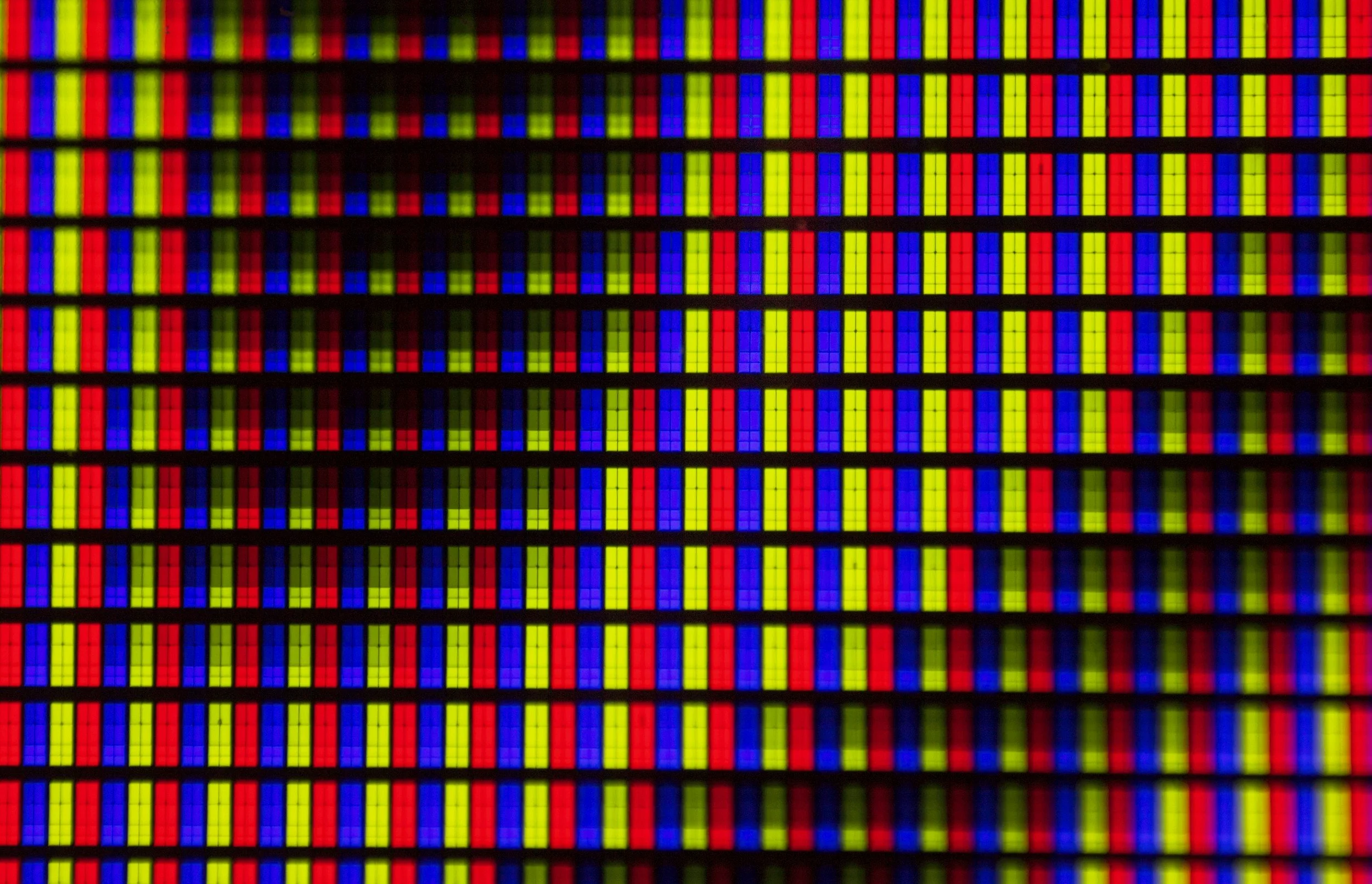
To create a visible image, a projector will shine “pixels” onto your screen. Pixels are the tiny dots that make up an image on a screen, and the more pixels there are, the more detail and sharpness you can see.
An HD projector displays about 2 million pixels (1920 × 1080), which is enough to create a clear, detailed image for most everyday viewing like movies, sports, or presentations. A 4K projector uses over 8 million pixels (3840 × 2160), packing four times as much visual information into the same screen space, which results in smoother lines, finer details, and a more realistic picture—especially on larger screens or when sitting closer. In simple terms, HD looks sharp, but 4K looks sharper and more lifelike, making it a better choice for those who want the highest image quality possible.
What does that mean for my sim?
Let’s use a 9-foot-tall screen as an example. A 1080p image has 1080 horizontal rows of pixels, so those pixels have to fill the full 108 inches of screen height. That means each pixel is about 1/10 of an inch tall. With a 4K image, there are 2160 rows of pixels filling the same screen height, which makes each pixel about 1/20 of an inch tall. Because the pixels are half the size, the image appears noticeably sharper and more detailed—especially on large screens.
The same concept applied to the vertical columns of pixels. However, the aspect ratio of your screen will influence how many total columns are used (future blog post topic perhaps?)
So case closed? 4K beats 1080P… Right?
Well… Sort of. In absolutes, it is better, but possibly not when considering cost vs experience.
Without a doubt, there are more considerations when it comes to choosing your setup’s graphics level though. Let’s take a look at some considerations.
Is there a significant cost difference between the two?
Yes—very much so. Let’s look at the key components in a typical golf simulator setup and how resolution affects total cost.
Projector
Using BenQ’s golf-sim–specific models as a direct comparison, the AK700ST (4K) and AH700ST (1080p) are nearly identical in features and performance, with resolution being the primary difference. The price, however, is not minor: $3,449 CAD for the 4K model versus $2,599 CAD for 1080p. That’s nearly a 33% increase purely for higher resolution.
This is not considering the fact that there are much more budget options for 1080P projectors than there are for 4K projectors. If you consider budget models, the price gap widens even more.
Computer / Graphics Card
GSPro is widely regarded as the leading golf simulator software, so it’s a great benchmark. For a “Great” 1080p experience, GSPro recommends an RTX 3060 Ti, which is comparable in performance to today’s RTX 5050, retailing around $350 CAD.
For 4K, GSPro recommends an RTX 3080, roughly equivalent to the newer RTX 5060 Ti, which typically sells for around $650 CAD. That’s almost 85% more for the graphics card alone, before factoring in additional cooling or power requirements.
Impact Screen
While not strictly required, we often recommend upgrading the impact screen when going to higher resolutions. A standard 1-ply impact screen has a relatively coarse weave, which can limit perceived image sharpness. To truly benefit from 4K, a premium 3-ply screen is a better match. The upgrade typically adds $500–$600 CAD to the setup.
The big picture
When you add it all up, moving from 1080p to 4K usually increases the total system cost by several thousand dollars. That gap can grow even wider when comparing 4K systems to more budget-friendly 1080p projector options not covered here. The result is a significantly higher investment for gains that may or may not be noticeable depending on screen size and viewing distance.
How do they compare in real life? Will I notice?
You may have seen online comparisons between 4K and 1080p projectors, but most of these comparisons are between different projector models, not the same projector running at different resolutions. That makes it difficult to isolate how much of the perceived improvement actually comes from resolution alone. Image quality is influenced by many other factors, including brightness (lumens), color accuracy, contrast ratio, lens quality, throw optics, processing and scaling, HDR support, and even light uniformity across the image. In many cases, differences attributed to “4K vs 1080p” are really the result of these non-resolution characteristics, which can have just as much—if not more—impact on how sharp, vibrant, and realistic the image looks in real-world use.
So… if nobody else is comparing apples to apples… how about we do that!
Below is a video of the BenQ TK710STi playing GSPro. The settings used are 4K Ultra. The screen is about 8’ tall, so though it’s not as dramatic as a 9’ tall screen, it will still be a good representation.
This next video is the same everything - same setup, same screen, same day! But the resolution was set to 1080P. This is an option in both GSPro and Windows itself.
Now… in fairness, the videos attached aren’t 4K themselves… But I think this is enough to get across that if nothing else the difference isn’t enough to be blaringly obvious. I can also attest to the fact that they looked nearly the same in person.
So what should I go with?
At the end of the day, budget matters. If starting with a 1080p projector is what fits your budget, you can feel confident knowing your simulator will still look fantastic. Even with a more budget-friendly setup, you’re still playing immersive, realistic golf—and that’s the whole point.
While resolution does play a role, there are other factors that matter just as much, if not more. In our experience, the most important—and most overlooked—consideration is projector offset. Offset has a direct impact on image alignment, focus, and usable screen area. Choosing the wrong offset can force digital keystone correction or improper mounting, which can degrade image clarity so much that a 4K projector can end up looking much worse than a properly set up 1080p system.
If you’re interested in learning more about projector offset and why it’s so critical to image quality, stay tuned—we’ll be covering it in more detail in future blog posts.